

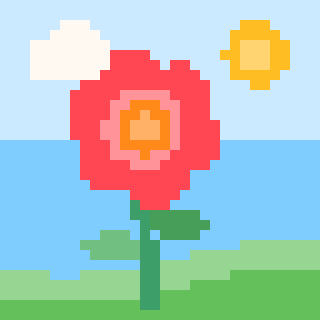
A color by number app for kidsTurn the world around you into coloring pages.

Snap the dog, a favorite doll, or a flower from the yard. Color Cafe turns the photo into pixel art with numbers, and your kid colors it in, one little square at a time.

Coming soon to the App Store. 10 free pictures to start, and one subscription covers every kid in the family.

  • iPhone, iPad, and iPhone Duo
  • Ad-free
  • Works offline
  • Ages 6–8 and up

designed with my kids

Turn photos into color by number in three steps.

Every picture starts with something your kid cares about. There's no library of stock art to scroll through. The world around them is the coloring book.

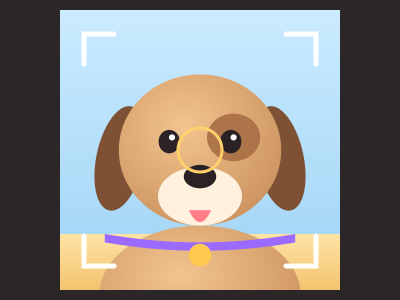
  1. A camera viewfinder framing a photo of a puppy.

    Snap

    Take a photo of anything, or pick one from Photos. Choose a style and slide from Easy to Hard. Color Cafe builds a numbered grid with 8 to 18 colors.

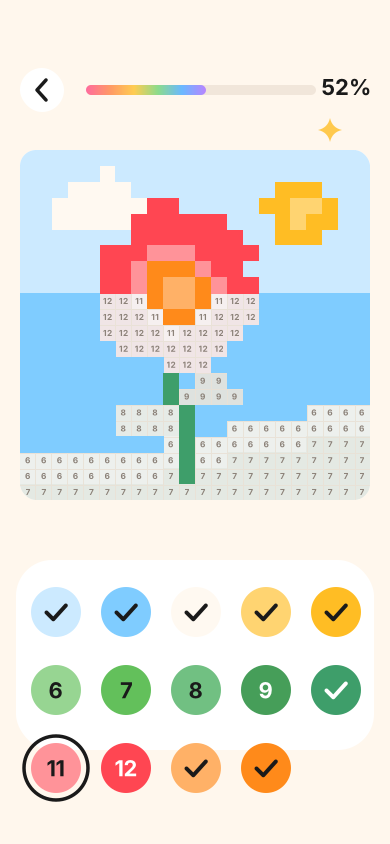
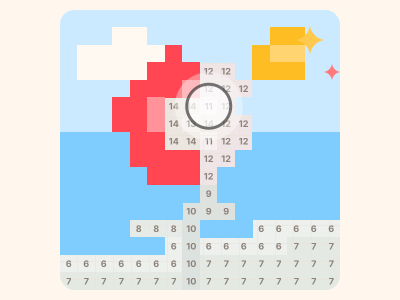
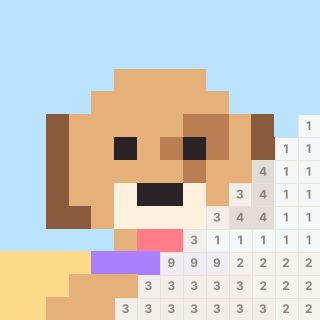
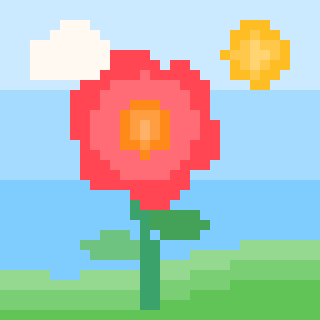
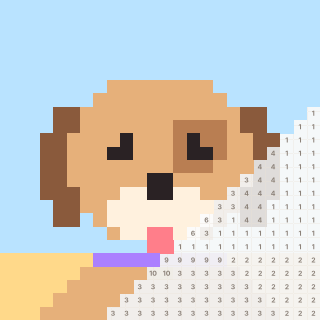
  2. A half-colored pixel flower with numbered squares and a fingertip painting cells.

    Color

    Press and hold to paint. Drag to move around, and pinch to zoom in close. Every time a color is finished, there's a little celebration.

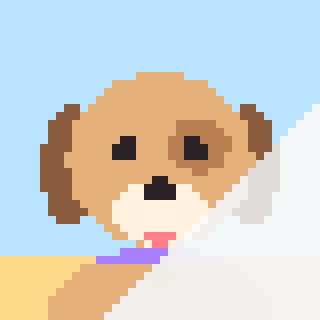
  3. A finished pixel puppy with a play button and a time-lapse scrubber.

    Replay

    When the picture is done, watch a time-lapse of the whole thing filling in, stroke by stroke. Then save it, or share it with grandma.

One subscription covers every kid in the family.

Color Cafe Unlimited works with Apple Family Sharing. Subscribe once, and every child's iPhone and iPad in your family group gets unlimited pictures. Brothers and sisters each color on their own device, and you pay once.

A Family Sharing group holds up to six people.

  1. 1
    Subscribe onceStart the 7-day free trial from any device in the family.
  2. 2
    Share with familyIn Settings, tap your name, then Subscriptions, and make sure Share With Family is on.
  3. 3
    Every kid colorsEach kid's device unlocks Unlimited. If one doesn't right away, tap Restore purchases in For grown-ups.

What's not in it.

An ad-free color by number app, built for the App Store's Kids category. Here's the full list of what you won't find.

  • No ads

    None. No banners, no videos, and no "watch this to unlock" offers.

  • No social features

    No feed, no community gallery, no chat, no likes, and no strangers.

  • No accounts

    Nothing to sign up for and no email to hand over. Open it and start coloring.

  • No tracking

    No analytics and no third-party code watching what your kid does.

  • No uploads

    Photos become pictures right on the device. They never leave it.

  • No Wi-Fi needed

    Everything works offline. Good for car rides, flights, and waiting rooms.

Four styles, from easy to hard.

The same photo can become a soft storybook page or a bright, detailed challenge. Pick a look, then pick how much coloring you're in for.

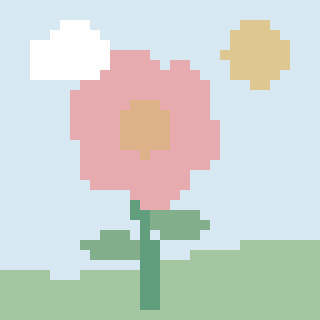
  • A flower picture in muted Storybook colors.

    Storybook

    8 soft colors

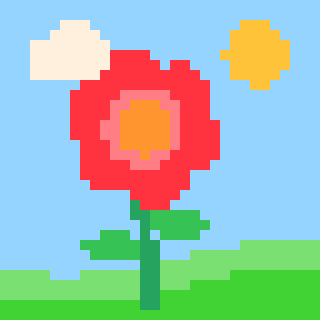
  • A flower picture in everyday Crayon colors.

    Crayon

    14 everyday colors

  • A flower picture in bright Pop colors.

    Pop

    10 bright colors

  • A flower picture in detailed Photo colors with more shades.

    Photo

    18 true-to-life colors

Easy for a first try. Hard for the long haul.

The difficulty slider sets how many squares the picture has, from 32×32 on Easy up to 128×128 on Hard. That's about a thousand squares at one end and more than sixteen thousand at the other.

Pictures save as you go, so a big one can stretch across a week of evenings.

  • A puppy picture with big squares, on Easy.Easy
  • The same puppy with medium squares.Medium
  • The same puppy with tiny squares, on Hard.Hard

Made for iPhone, iPad, and iPhone Duo.

Start with 10 free pictures.

Try it with no account and no card. If your kid wants more, Color Cafe Unlimited starts with a 7-day free trial.

  • Free

    $0

    Your first 10 pictures

    • Every style and difficulty
    • Time-lapse replay and sharing
    • No account needed
  • Unlimited, monthly

    $4.99 / month

    After a 7-day free trial

    • Unlimited pictures
    • Covers every kid with Family Sharing
    • Cancel anytime in Settings

Prices are in US dollars and may vary by country. Subscriptions renew automatically until canceled. See the Terms for details.

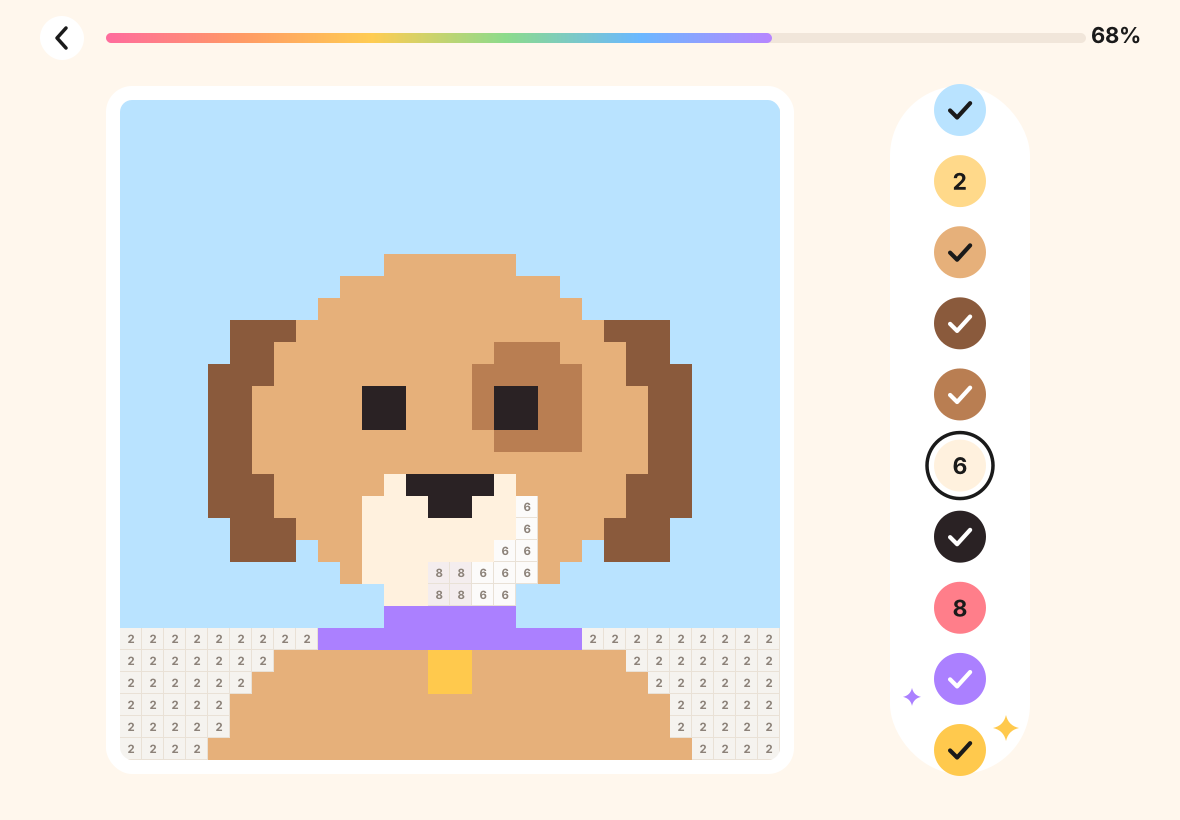
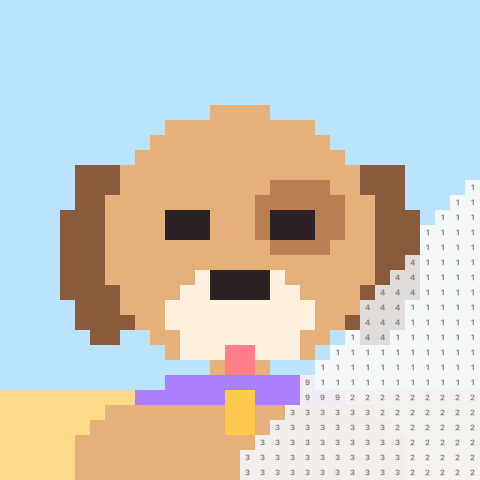
A puppy picture mostly colored in, with numbered squares still to go.
they tested every build

designed with my kids.

Color Cafe started as a summer project in 2026 between a dad and his kids. They loved color by number apps. He didn't love the ads, the community galleries, and the social features that came with them.

So they made their own. The kids wanted to color their own photos. They picked the name, tuned how painting feels, and tested every build. The time-lapse replay is their favorite part.

Color Cafe is part of Coplay Club, where we make games and rituals for parents and kids to enjoy together.

Questions parents ask.

Is Color Cafe safe for my kid?

Color Cafe is built for the App Store's Kids category, ages 6 to 8. It has no ads, no chat, no social features, no accounts, and no analytics. Photos are turned into coloring pages on the device and never uploaded.

The subscription screen, the grown-ups settings, and every link out of the app sit behind a grown-ups check. Read the privacy policy. It's short.

Does it have ads or in-app purchases?

There are no ads anywhere in the app. The only purchase is Color Cafe Unlimited, an optional subscription after the first 10 free pictures. It sits behind a grown-ups check, so buying it stays a grown-up decision.

How does Family Sharing work?

Subscribe once, on any device. If your family uses Apple Family Sharing and Share With Family is on for the subscription, every kid's iPhone and iPad in your family group gets Color Cafe Unlimited at no extra cost. A Family Sharing group holds up to six people.

If a device doesn't unlock right away, open For grown-ups in the app and tap Restore purchases.

How do I cancel?

Apple manages the subscription. On iPhone or iPad, open Settings, tap your name, tap Subscriptions, choose Color Cafe Unlimited, and tap Cancel Subscription. You can also go to apps.apple.com/account/subscriptions.

To avoid being charged after the free trial, cancel at least 24 hours before it ends. Everything your kid made stays on the device.

Does it work on iPad?

Yes. Color Cafe is made for iPhone, iPad, and iPhone Duo. The bigger iPad screen is great for Hard pictures. Pictures are saved on each device, so a picture started on one iPad stays on that iPad.

What ages is it for?

It's made for kids 6 to 8, and it works well up to 10 and beyond. Younger kids do well with Easy pictures in the Storybook style. Hard pictures go up to 128 by 128 cells, which keeps older kids, and grown-ups, busy for a while.

Does it need the internet?

No. Taking photos, making pictures, coloring, and the replay all work offline, in the car or on a plane. The app only goes online to reach the App Store when you start, restore, or manage a subscription.

Who made Color Cafe?

A dad and his kids designed it together over the summer of 2026. They picked the name, tuned how painting feels, and tested every build. Color Cafe is part of Coplay Club, a parent and kid gaming brand, and is published by Enchant Health LLC.